I finally did it: I wiped my main workstation and installed Omarchy.
This was not a side experiment on a spare laptop or a VM I would forget about in a week. This was a full move off Windows 11 on the machine I actually use every day—the one with my browser sessions, my editors, my chat windows, my unfinished side projects, and all the muscle memory that comes with years of "this is just how my computer works."
I have been quietly testing different Linux desktop setups for a while, hopping between distros and window managers to see which one finally clicked. Most of them were interesting. None of them earned the main drive. Omarchy is the first setup that felt strong enough to jump straight from "cool experiment" into "this is my daily driver" almost immediately.
For context, this machine used to be on Windows 11 and is now running Arch Linux with Omarchy 3.8.0. I am using it for real work right now across coding, deep browser sessions, and chat-heavy workflows—no fallback OS, no dual boot safety net.
The Installation
Getting to the actual install process took more back-and-forth than I expected.
The initial setup hit a snag with BIOS settings—the kind of issue where everything looks fine on paper but the machine has its own opinion. I had to lean on a friend (you know who you are) to get those dialed in just right. A few firmware toggles and a coffee later, the installer was finally happy.
desktop environment, that is genuinely fast. Here is a snapshot from the installer:
Once that was sorted, the actual installation clocked in at 7 minutes and 18 seconds. For a from-scratch OS install on a brand new desktop environment, that is genuinely fast. Here is a snapshot from the installer:
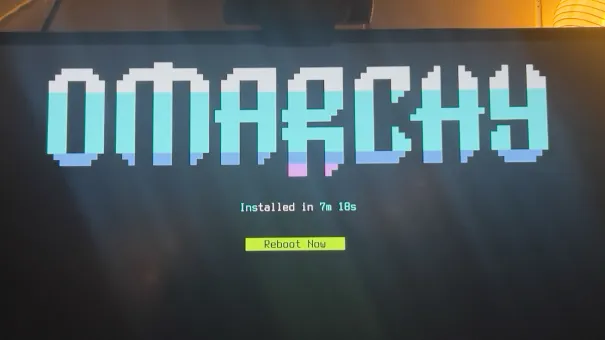
That quick turnaround mattered more than just convenience. It gave me an early signal that I was working with something cohesive and well-thought-out, not a loose pile of components stitched together with hope and shell scripts.
My OS Background (Why This Move Matters)
This switch also lands differently because I have lived across all three major ecosystems at different points in my life.
My earliest Windows memory is Windows 3.11 on the family computer—Program Manager, MS-DOS prompts, and the absolute terror of accidentally deleting something important. The first computer I owned myself was a Gateway 2000 running Windows 98, complete with the cow-print box it shipped in.
On that same machine, as a kid with no idea what I was doing, I tried to install FreeBSD and failed. It was humbling, but it lit something up. After that I spent years bouncing through Linux distros and learning by doing—SUSE, Gentoo (yes, the compile-everything phase), Mint, Debian, Ubuntu, and a long tail of others I have probably blocked out.
So this Omarchy install is not my first Linux phase. It feels more like a return to a path I have been iterating on for decades, finally landing on a setup that matches the way I actually want to work in 2026.
It is also my first serious attempt to daily drive a tiling window manager. That part has been genuinely tough in places—my brain still reaches for a mouse before it reaches for a keybind—but it has also been more fun than I expected.
First Impression
The short version is that Omarchy feels fast, intentional, and opinionated in all the right ways.
The "opinionated" part is what I appreciate the most. Instead of spending hours deciding how to wire everything together—status bar here, launcher there, which notification daemon, which clipboard manager, which screenshot tool—I got a cohesive environment immediately. Then I could spend my energy on the part that actually matters: refining around how I work, not assembling a desktop from scratch.
The window management behavior already feels more natural for deep work than my previous setup. Less time spent hunting for windows, less time spent dragging things to "just the right" size, more time spent actually doing the thing I sat down to do. The whole desktop feels less like a generic environment waiting for me to customize it and more like a purpose-built tool that already understands the assignment.
What Is Going Well So Far
Several things have stood out in the first stretch of usage:
Focus and speed are noticeably better. Switching between contexts is faster, and the system gets out of the way instead of demanding attention.
Multitasking feels cleaner. The tiling layout makes it obvious where everything is without the visual noise of overlapping windows.
Stability has been a non-issue. It has held up under my normal daily workload with no surprises—no random freezes, no "why is this process at 100% CPU" mysteries.
Discord is pre-installed, and Chrome tab sharing can include audio.
Shutdown and reboot are instant. I am used to living in the terminal, so
shutdown nowandrebootare my go-to commands. On Linux, they actually work immediately. Compared to Windows (which seems to need three minutes to "prepare to shut down" and then another minute to actually do it), and even compared to Mac sometimes, the speed is jarring in the best way. It is a small thing, but it adds up when you reboot as often as I do during development.
I also added the Mission Control overview, and it is already becoming part of my flow for quick workspace scanning.
Here is what it looks like on this screen when I hit Super+M:
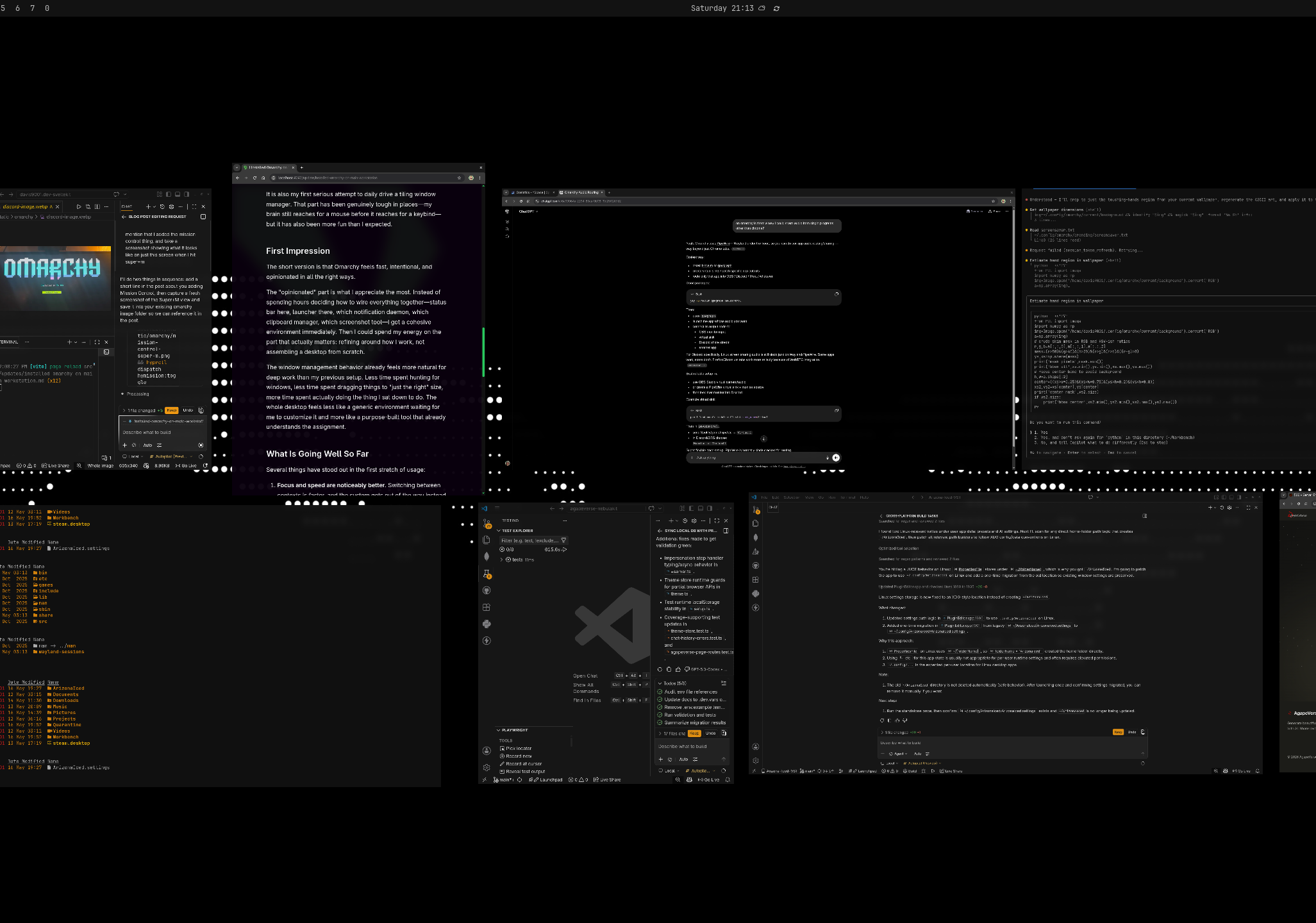
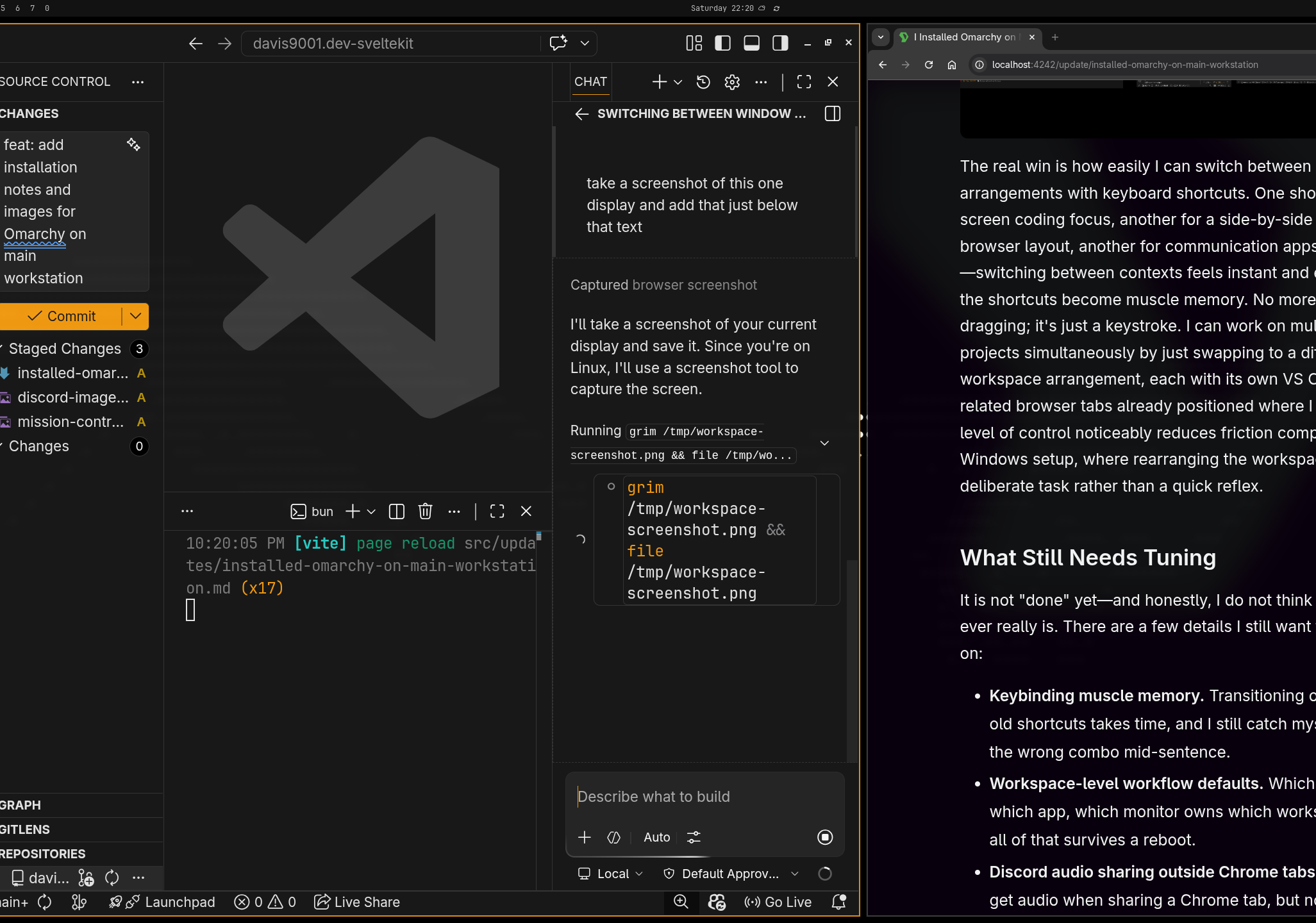
The real win is how easily I can switch between window arrangements with keyboard shortcuts. One shortcut for a full-screen coding focus, another for a side-by-side editor and browser layout, another for communication apps front and center—switching between contexts feels instant and effortless once the shortcuts become muscle memory. No more manual window dragging; it's just a keystroke. I can work on multiple code projects simultaneously by just swapping to a different workspace arrangement, each with its own VS Code window and related browser tabs already positioned where I need them. That level of control noticeably reduces friction compared to my old Windows setup, where rearranging the workspace felt like a deliberate task rather than a quick reflex.
What Still Needs Tuning
It is not "done" yet—and honestly, I do not think a workstation ever really is. There are a few details I still want to keep iterating on:
- Keybinding muscle memory. Transitioning off a decade of old shortcuts takes time, and I still catch myself reaching for the wrong combo mid-sentence.
- Workspace-level workflow defaults. Which workspace owns which app, which monitor owns which workspace, and how all of that survives a reboot.
- Discord audio sharing outside Chrome tabs. Right now, I can get audio when sharing a Chrome tab, but not when sharing other app windows or a full monitor.
- Small visual polish for long sessions. Font tuning, padding, contrast decisions—the kind of stuff that does not matter for an afternoon but absolutely matters at hour ten.
None of these feel like blockers. They are refinement tasks, not structural issues. The foundation is solid; I am just sanding the edges.
Overall
Installing Omarchy on my main machine has gone better than I expected, and I expected a lot.
The desktop already feels reliable enough for full-time use, and just as
importantly, it gives me a clean, opinionated base to keep optimizing around
focus, speed, and day-to-day development. It is the first time in a long time
that my workstation feels like it is helping me work instead of asking me to
work on it. The whole system feels WAY faster than it did on Windows, and most
importantly my bun run dev commands now run way quicker.
I will post a follow-up once I get through another round of customization and have a longer runway of real-world use to draw from. If you have been on the fence about trying Omarchy yourself, my early take is simple: it is worth the afternoon.